


Gemini’s new “Scheduled Actions” turns your AI assistant into a proactive helper. With this feature, you can schedule prompts to run at specific times—daily, weekly, or just once—so Gemini handles routine tasks for you without any extra effort. Eligible for Gemini AI Pro, Ultra, and qualified Workspace users, this tool brings automation into chatting youtube.comsupport.google.com+11blog.google+11theverge.com+11.
Setting Up Scheduled Actions in Gemini
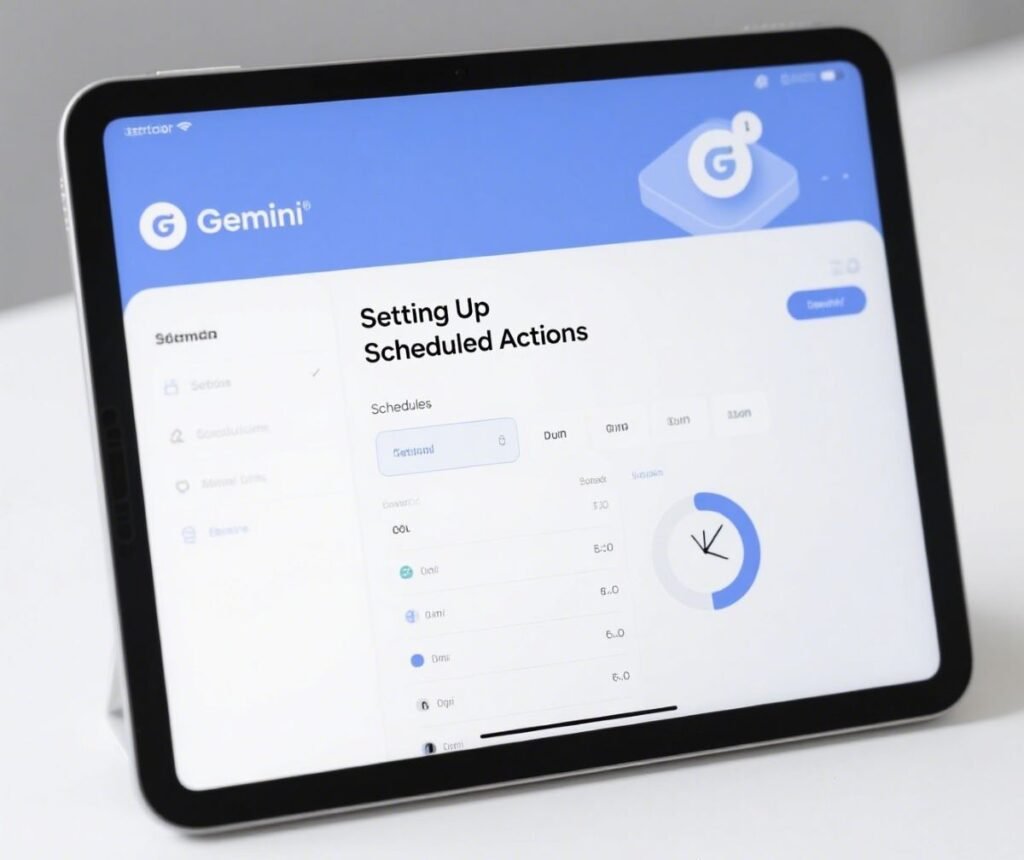
- Open the Gemini app or web at gemini.google.com
- Enter your prompt, e.g., “Summarize my unread Gmail at 8 AM daily.”
- Add timing details right in the chat — Gemini confirms your scheduled action.
- Manage them via Settings → Scheduled Actions (found under your profile) — where you can pause, edit, resume, or delete.
- You can have up to 10 active actions at once newsmobile.in+7support.google.com+7reddit.com+7tomsguide.com+3indianexpress.com+3newsmobile.in+3newsmobile.in+1revolgy.com+1.
- Note: location-based tasks use your location at the time of creation indianexpress.com+19to5google.com+1.
- You can have up to 10 active actions at once newsmobile.in+7support.google.com+7reddit.com+7tomsguide.com+3indianexpress.com+3newsmobile.in+3newsmobile.in+1revolgy.com+1.
Top 5 Automation Ideas
1. Morning Email & Calendar Summary
Prompt: “Every weekday at 7 AM, give me a summary of unread Gmail and today’s events.”
Gemini compiles emails and calendar items—with travel times if connected to your calendar economictimes.indiatimes.com+13indianexpress.com+13revolgy.com+13.
2. Daily Weather + Outfit Suggestions
Prompt: “Send me the weather along with three outfit suggestions based on my wardrobe at 6:30 AM.”
Leverages wardrobe and weather context for smart planning theverge.com.
3. Weekly Blog-Brainstorm Boost
Prompt: “Every Monday at 9 AM, give me five new ideas for blog posts.”
A creative nudge to keep content fresh—perfect for content writers.
4. Post‑Event Recap
Prompt: “Remind me the morning after the Oscars with a summary of winners and top reactions.”
Great for staying in the loop effortlessly newsmobile.in9to5google.com.
5. Weekend Local Finds
Prompt: “Show me new cafés and restaurants nearby every Friday at 5 PM.”
Supports discovery routines, ideal for lifestyle content and self-care support.google.comrevolgy.com.
Additional Tips & Limitations
- Subscription required: Gemini AI Pro, Ultra, or certain Workspace accounts support.google.com+15blog.google+15androidcentral.com+15.
- Max 10 active scheduled actions at a time youtube.com+13support.google.com+139to5google.com+13.
- Occasional skips may occur; a quick nudge in chat usually resolves them indianexpress.com+1newsmobile.in+1.
- Location-based tasks are fixed to the setup location—you’ll need separate actions if you travel .
- Watch upcoming expansion: Google teased an “Agent Mode” that may do ongoing automated tasks like apartment hunting support.google.com+13indianexpress.com+13theverge.com+13.
Why It Matters
Gemini’s Scheduled Actions shift it from a passive responder to a proactive assistant. Compared to ChatGPT Tasks, Gemini integrates more seamlessly with Google services—Gmail, Calendar, Maps—giving you richer, contextual automations blog.google+12revolgy.com+12tomsguide.com+12. It’s a smart way to reduce mental load and stay organized without extra apps or scripts.
Conclusion
Gemini’s Scheduled Actions offer a time-saving edge for busy lives. From daily summaries to weekly inspiration or spontaneous recaps, automating tasks is now a breeze. Try one of the five ideas above—or craft your own tailored prompt—to reclaim your time and mental clarity.
GIPHY App Key not set. Please check settings