


In today’s hybrid and remote-first world, your workspace is more than just a corner of your home — it’s the command center for your productivity, creativity, and mental clarity. Whether you’re working from home full-time or just need a spot for side projects, creating a productive home office can significantly impact your focus and efficiency.
Here’s how to design a home office space that works for you, not against you.
1. Choose the Right Location
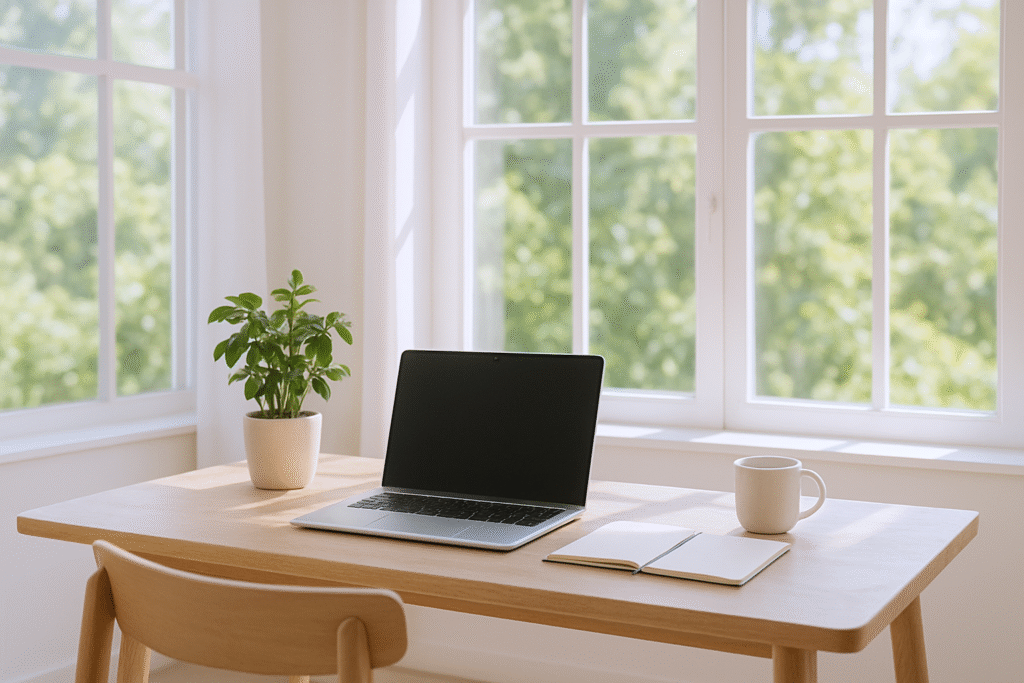
Avoid setting up in high-traffic areas of your home. A spare room or a quiet corner with minimal distractions works best. Natural light is a bonus — it boosts mood and helps regulate your sleep cycle.
Tip: If space is limited, consider converting a closet or unused nook into a compact office with wall-mounted shelves.
2. Invest in Ergonomic Furniture
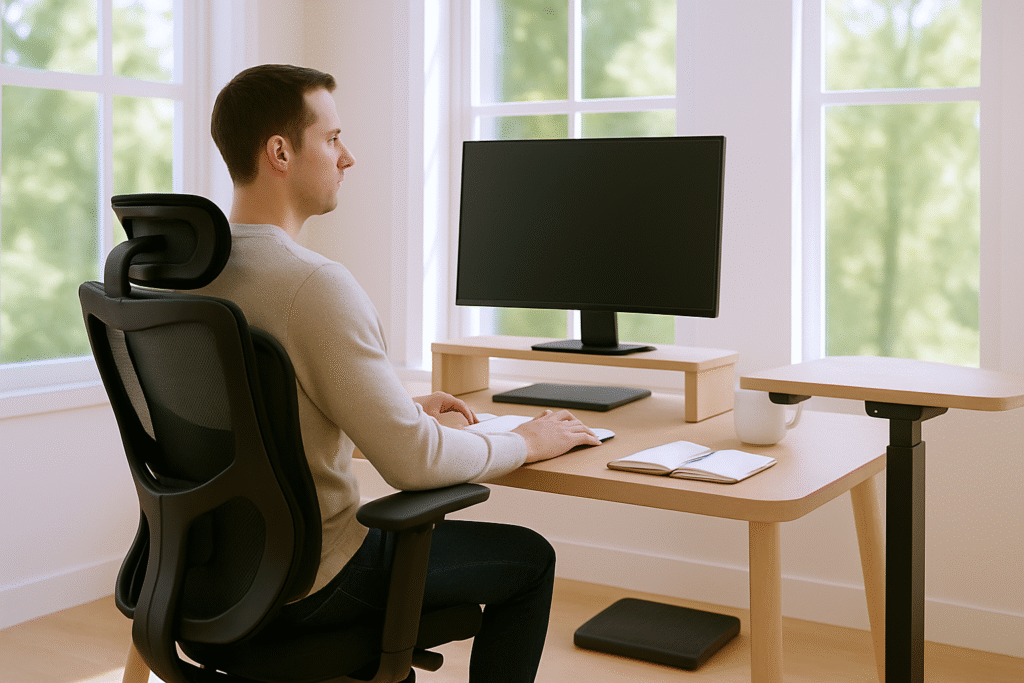
- A chair with proper lumbar support
- A desk at the correct height
- A monitor at eye level to reduce neck strain
Standing desks or adjustable desks can also offer flexibility to switch between sitting and standing throughout the day.
3. Declutter and Organize
A clutter-free space leads to a clutter-free mind. Use:
- Cable organizers to manage wires
- Drawer dividers and desktop organizers
- Floating shelves for extra storage
Keep only essentials within reach and create a “clean desk” habit at the end of each workday.
4. Add Lighting that Works
If natural light isn’t available, invest in layered lighting:
- A soft ambient overhead light
- A focused desk lamp with adjustable brightness
- LED lights to reduce eye strain
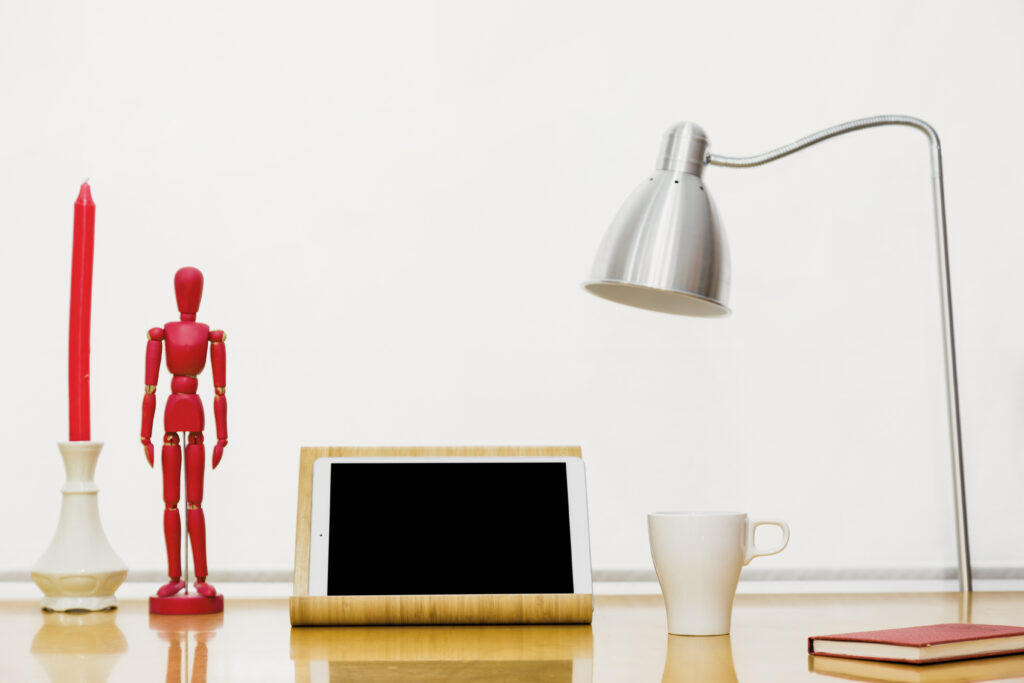
Bonus: Use warm lighting for cozy vibes and cool lighting when you need to stay alert.
5. Personalize Without Overdoing It
A few personal touches can make the space inviting. Think:
- A plant or two
- A framed quote or photo
- Your favorite mug or candle
Just don’t go overboard — too many items can become visual distractions.
6. Minimize Distractions
Use noise-canceling headphones or a white noise machine if you can’t avoid background noise. Consider:
- Time management tools like the Pomodoro technique
- Blocking apps to limit social media distractions
Keep a physical or digital to-do list visible to stay focused.
7. Tech That Supports You
Make sure your home office is tech-ready:
- A reliable Wi-Fi connection
- Backup chargers and surge protectors
- A webcam and microphone for video calls
You might also want to invest in a second monitor to streamline multitasking.
8. Maintain Healthy Boundaries
Lastly, mentally separate your workspace from your living space:
- Use a separate device for work, if possible
- Set office hours — and stick to them
- Create a shutdown ritual to signal the end of your workday
Final Thoughts
A well-designed home office isn’t just about aesthetics — it’s a tool to unlock your best work. By prioritizing comfort, organization, and minimal distractions, you can build a space that helps you stay energized and inspired throughout the day.
Whether you’re freelancing, building a business, or clocking into a remote job, your productivity starts with your environment.
GIPHY App Key not set. Please check settings